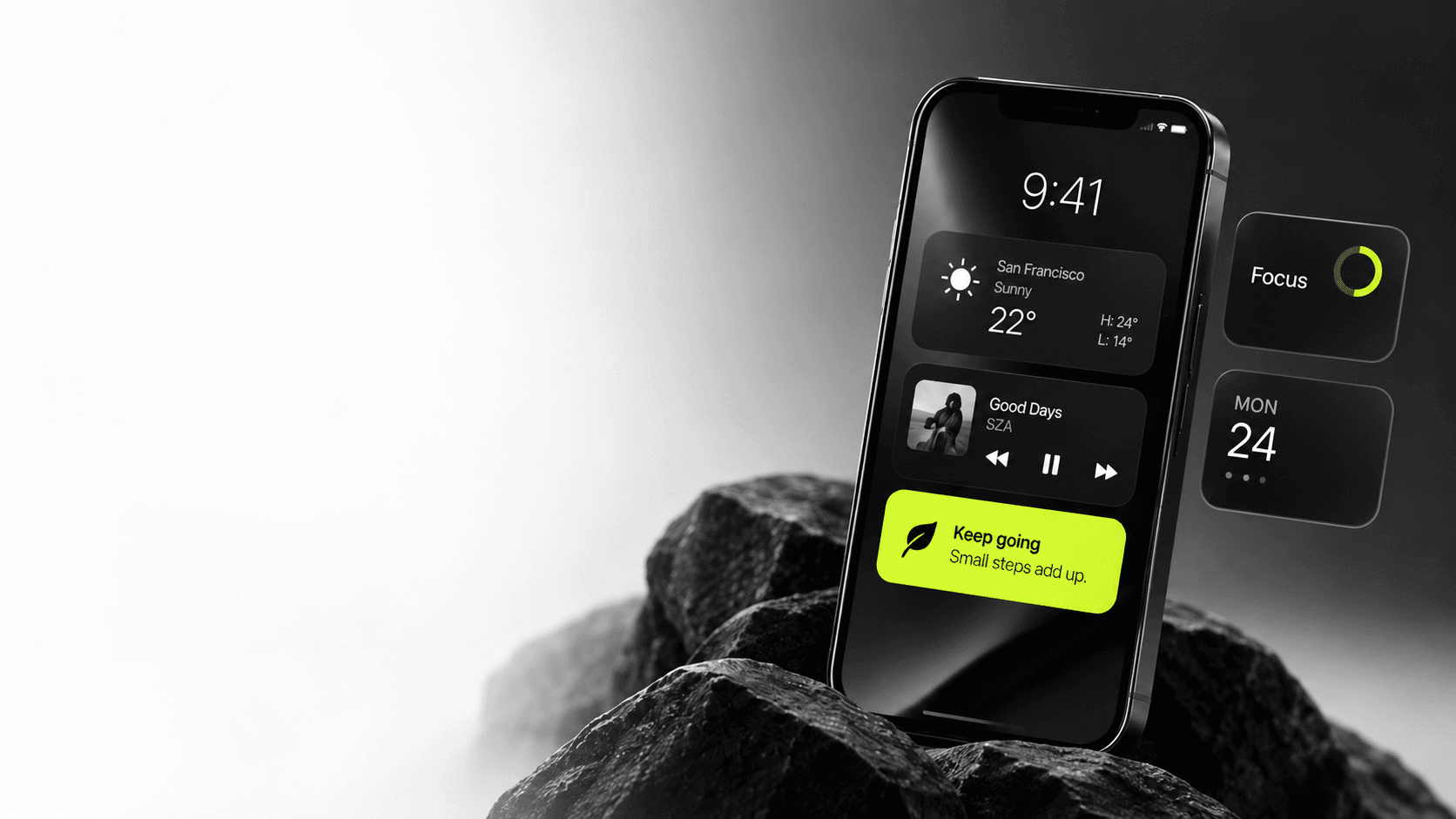

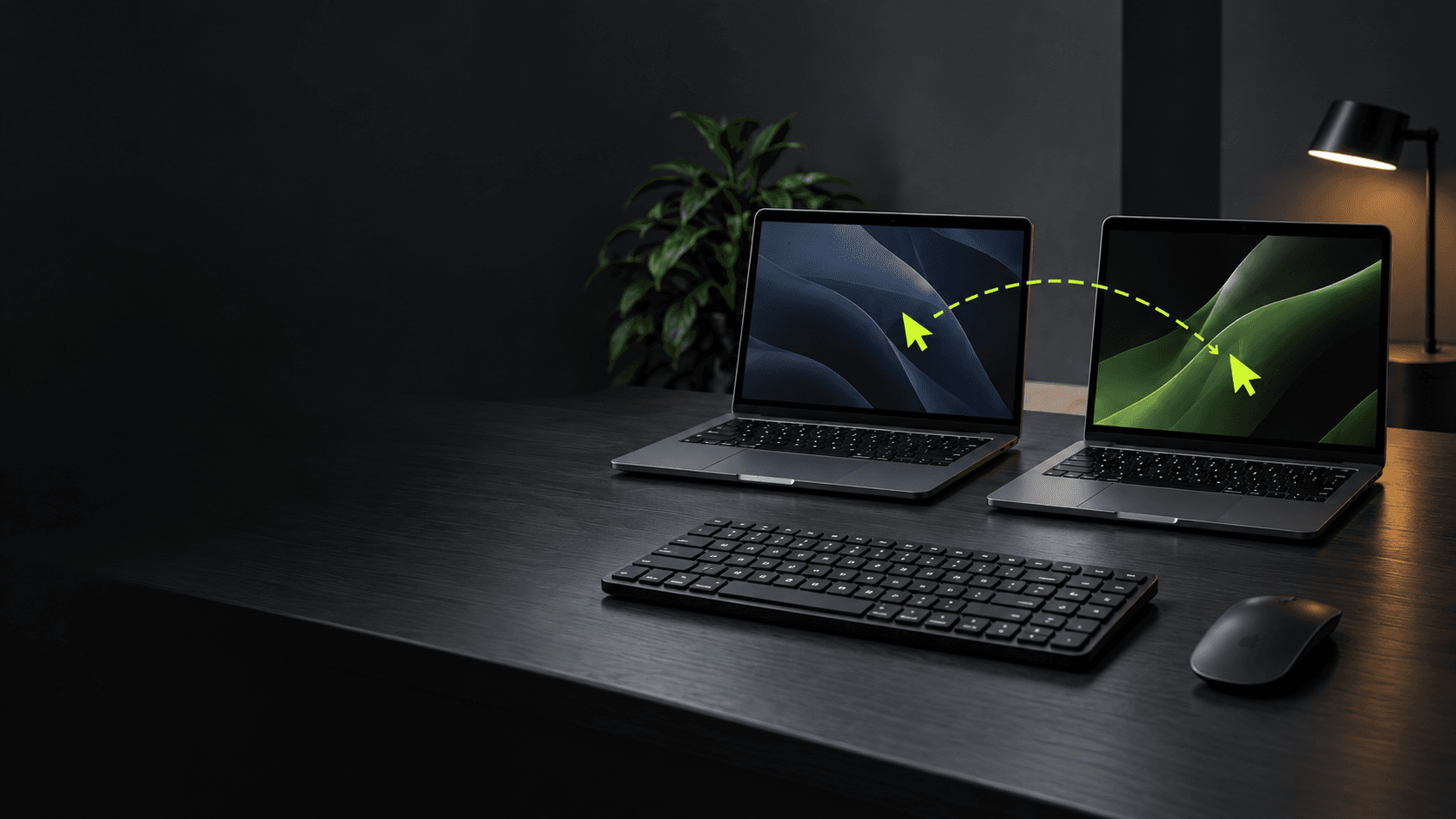
Cross-device software often starts with a simple promise: begin on one screen and continue on another. The hard part is deciding what “continue” means. Should a draft follow the person? Should a notification appear everywhere? Which device is allowed to change the shared state?
The best continuity is selective. It carries the context that helps someone resume and leaves behind the details that would create noise or conflict.
Design the handoff, not just the sync
Name the moments people move between devices. A person might capture an idea on a phone, refine it on a laptop, and present it on a shared display. Each step has a different input method, attention level, and privacy context.
Keep the handoff lightweight: show that work is available on another device, preserve the current place, and make it easy to resume. Do not force a second login or make the user search through a long list of recent activity to find the task they just left.
Decide who owns each piece of state
Some information is personal to a device; some belongs to the user's account; some is shared by a team. Make those boundaries explicit. A local draft may be private until the user chooses to sync it. A shared project status may need a single consistent value across every screen.
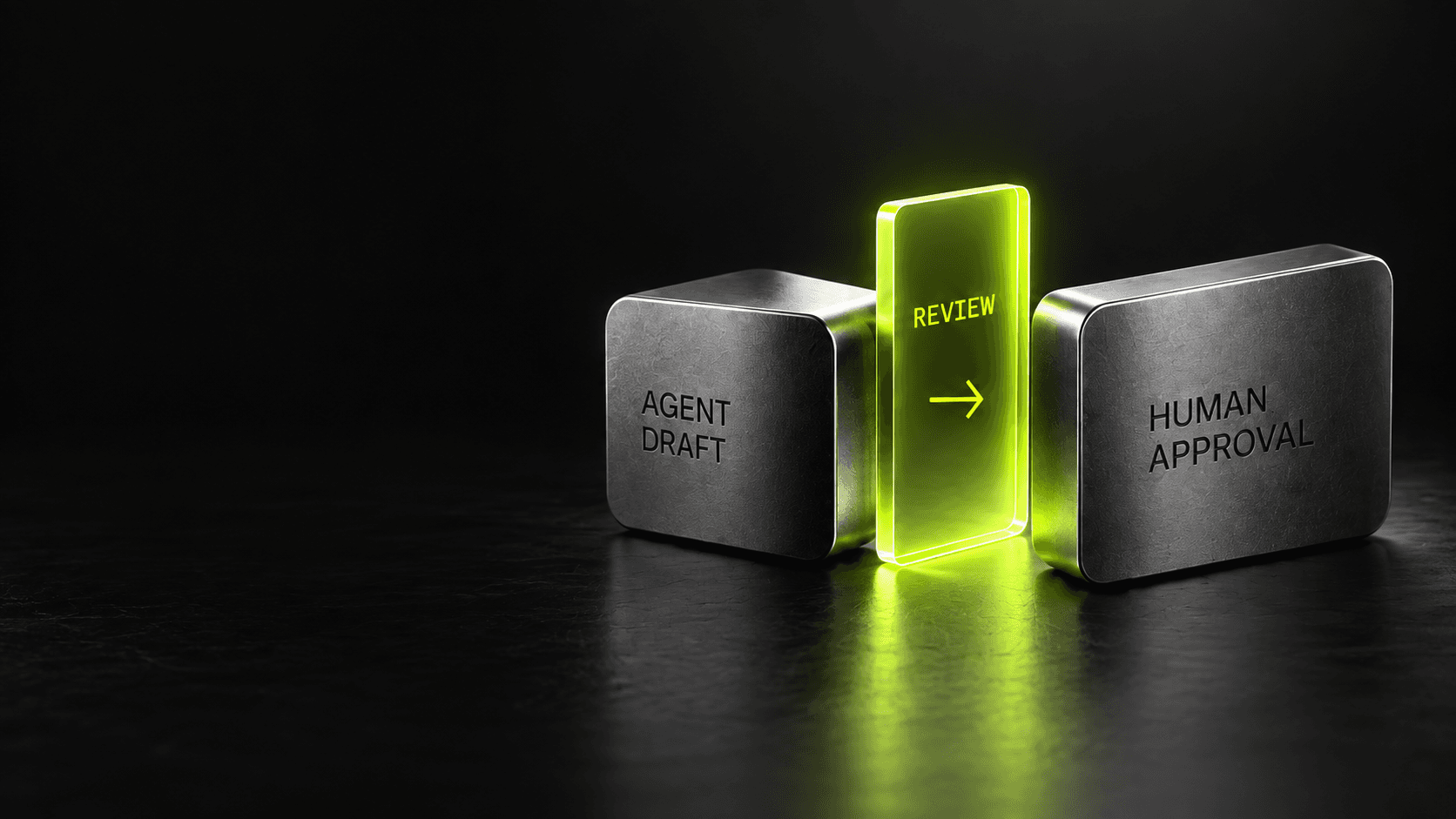
If two devices edit the same item, communicate the conflict and offer a safe resolution. Do not let “last write wins” silently erase work when the consequences matter.
Respect the room the device is in
A notification on a phone may be welcome; the same alert on a presentation screen may expose private information. Consider screen size, audience, input, and notification behavior as part of the experience—not as implementation details.
Test the transitions users actually make: pause on one device, resume on another, lose connectivity, sign out, and change an item from two places. Continuity feels effortless when the product remembers what matters, explains what changed, and gives the user control over where the work goes next.